A retention schedule connects purpose, time and action
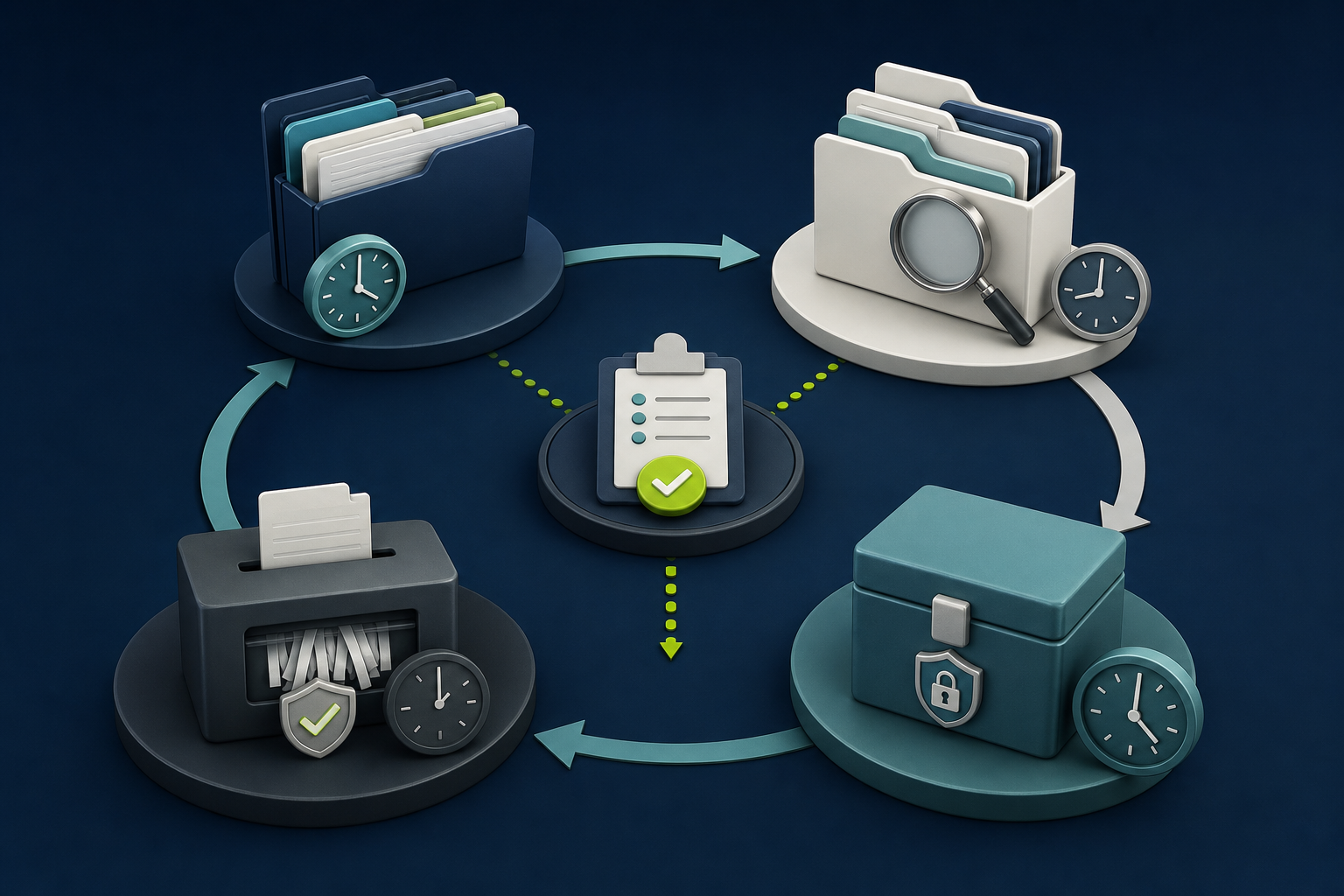
A business data retention schedule should explain what information exists, why it is kept, when its need changes and what action follows. A list of years without owners, systems and disposal controls cannot guide daily decisions or prove that the organisation follows its policy.
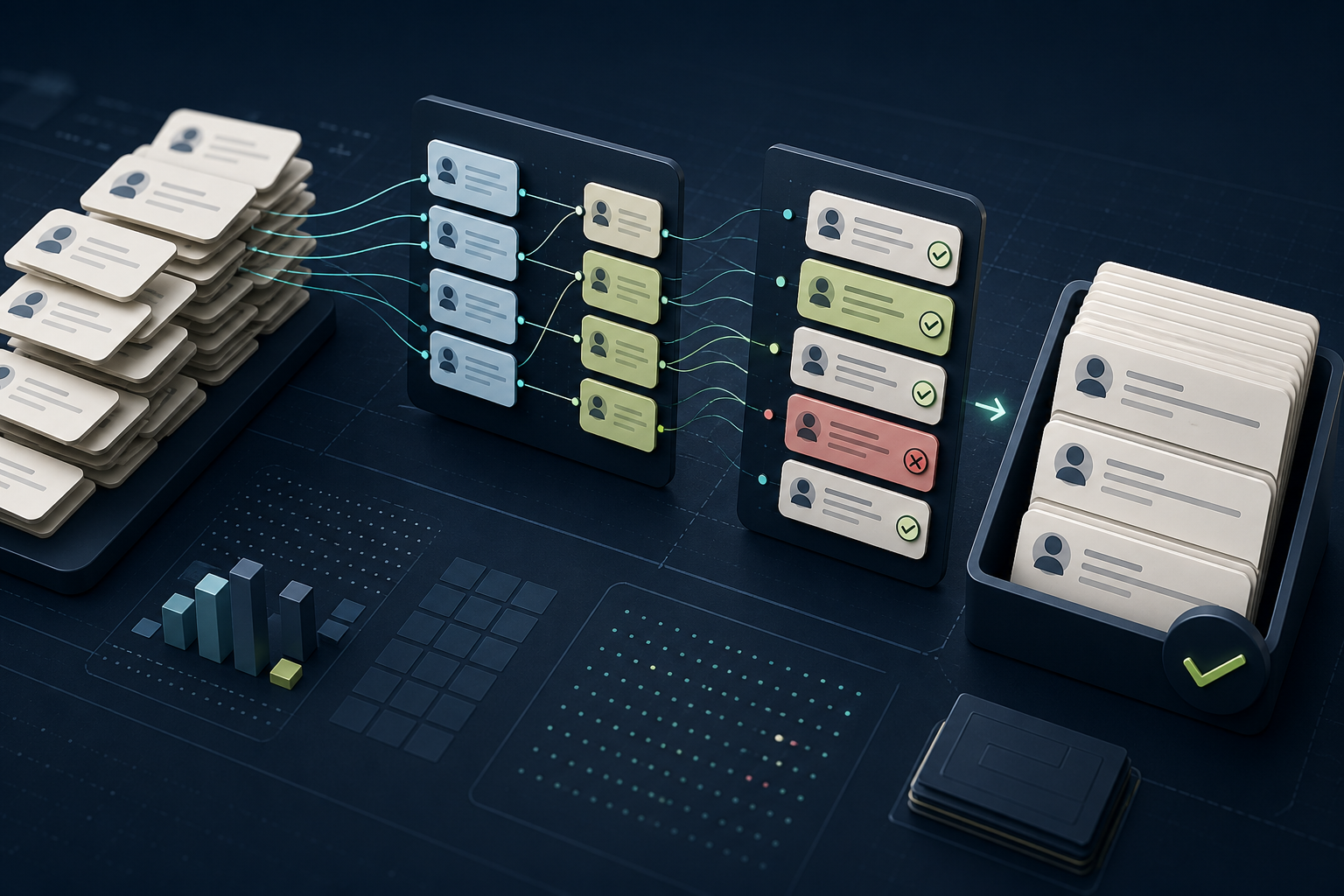
Organise the schedule around record categories and purposes rather than every file name. Link each category to systems, owners, legal or operational rationale, start event, review period, final action, exceptions and evidence. Similar data may require different treatment when used for contracts, support, security or analytics.
Do not invent a universal period. Applicable law, limitation periods, sector rules, contracts, disputes and business need vary by jurisdiction and record. Qualified reviewers should confirm requirements, while system owners supply evidence about actual use, storage and deletion capability.
| Field | Question | Example evidence |
|---|---|---|
| Category | What records share one purpose and lifecycle? | Data inventory |
| Trigger | When does the retention clock begin? | Closure or last activity event |
| Period | How long is the purpose supported? | Approved rationale |
| Action | Delete, anonymise, archive or review? | System procedure |
| Assurance | How is completion proved? | Log, sample and exception report |
Build from the real information estate
Inventory structured systems, document stores, email, collaboration tools, logs, backups, analytics, data warehouses, exports and supplier platforms. Include test and migration environments. A policy limited to the primary database leaves the easiest copies outside control.
Identify record owners and technical custodians separately. The business owner decides purpose and need; the custodian explains storage, lifecycle functions and evidence. Shared ownership should still produce one accountable decision route.
Use discovery results to find duplicates and uncontrolled extracts. Do not delete them merely because they are unofficial. Confirm their purpose, dependencies, holds and whether the formal system can meet the need before changing the operating process.
Define categories that people can apply consistently
Choose categories aligned with use: customer enquiries, contracts, transaction records, employee administration, supplier files, access logs, incident records, marketing preferences and analytics datasets. Avoid broad labels such as “business records” that hide materially different purposes.
Document inclusions, exclusions and examples. State how attachments, comments, versions and derived reports inherit or differ from the parent record. If users cannot classify a common file without private guidance, the category needs refinement.
Map categories to data owners, locations, sensitivity and cross-border processing. The schedule can link to a data inventory rather than reproduce it, but stable identifiers are needed so a change in one register can trigger review in the other.
Write the rationale before selecting the period
For each category, state the purpose, obligation or defensible operational need in plain language. Then determine how long that purpose remains active and which event starts the period. “Seven years” is not a rationale, and creation date may be the wrong trigger for a long-running relationship.
The UK Information Commissioner’s storage limitation guidance recommends documented standard periods where possible, a way to follow them in practice and periodic review. Organisations must confirm their applicable legal framework and exceptions.
Record uncertainty and review dates. Where no fixed requirement exists, use a proportionate period supported by purpose, risk and actual use, then test it. Keeping data indefinitely until someone proves it is unnecessary reverses the decision and makes deletion unlikely.
Define triggers the system can observe
Use events such as contract end, account closure, case resolution, employee departure, consent withdrawal, incident closure or last verified activity. Define the source and handling of reopened records. A trigger that cannot be derived reliably creates manual queues and inconsistent treatment.
Separate active use from retention. A record may stop appearing in ordinary workflows while remaining in a restricted archive for an approved reason. State access, search and restoration rules so archive does not mean an uncontrolled second production store.
Handle linked records carefully. Deleting a person may affect contracts, transactions, audit evidence and analytics in different ways. Design actions by category and relationship rather than applying a simple account-level purge that destroys needed context or leaves hidden identifiers.
Choose deletion, anonymisation, archive or review
Deletion removes information from ordinary use and follows the system’s documented backup lifecycle. Anonymisation requires that individuals cannot reasonably be reidentified in the intended context. Archive restricts use but does not eliminate retention obligations. Review postpones a final action and needs a real decision owner.
Do not label masking or removal of a name as anonymisation without assessing remaining identifiers and linkability. Aggregated analytics may still expose people through rare combinations or external data. Specialist review may be required for complex datasets.
For each action, record tooling, approval, validation, failure handling and evidence. Manual deletion can be appropriate for a small low-risk system, but it still needs a reproducible procedure and a way to find missed or failed records.
Control legal holds and defensible exceptions
Create a hold process that identifies scope, authority, owner, start, review and release. Holds should prevent relevant disposal without freezing unrelated information indefinitely. Communicate them to system custodians and suppliers that execute deletion.
Record user-relevant operational exceptions such as an unresolved dispute or security investigation. Keep the exception limited to what is necessary and review it. An exception register is not permission to create a permanent “keep” category.
When a hold ends, resume the normal lifecycle and document the action. Systems should preserve the original trigger or calculate a clear new date according to approved policy rather than restarting retention silently.
Implement across suppliers, backups and exports
Ask suppliers how records are found, deleted, anonymised, archived and removed from backups. Confirm subprocessors, support copies, logs, termination handling and evidence. Contractual promises must match technical capability and the configured service.
Backups often use staged expiry rather than selective immediate deletion. Document that lifecycle, restrict restoration and ensure deleted production records are not returned unnoticed after recovery. Test the post-restore deletion or reconciliation process.
Control exports with purpose, owner and expiry. A dashboard extract downloaded to a collaboration site can outlive the governed warehouse. Use access, classification, automation and periodic discovery to bring these copies into the same lifecycle.
Prove the schedule works and improve it
Run a sample from trigger through final action. Check expected records, exclusions, linked data, backups, supplier evidence, error queues and logs. Measure overdue records and unexplained exceptions. A policy review without an execution sample cannot establish operating effectiveness.
Review after new systems, purposes, jurisdictions, acquisitions, incidents and material supplier changes. Connect the schedule to the SaaS data residency review and CRM migration plan when data moves or is consolidated.
A mature schedule reduces both unnecessary data and accidental loss. It lets owners explain why a record exists, when the reason ends and how the organisation proves its action. That clarity is more useful than a long table of periods copied from another company.
Keep collection and retention decisions connected
Review the ICO guidance on data minimisation when a schedule repeatedly keeps fields that no current purpose uses. Stopping unnecessary collection can be safer and cheaper than building increasingly complex deletion for data the service never needed.
Connect form, integration and analytics changes to the retention owner. A new optional field, imported source or model feature can create a new category or alter the trigger and purpose. Require a lifecycle decision before production data begins accumulating.
Sample records at both ends: newly collected data that should enter the schedule and expired data that should leave it. This checks whether policy governs the whole lifecycle rather than focusing only on old records during periodic cleanup.