Accessibility belongs in the buying decision
Software accessibility cannot be repaired reliably through a short audit after the contract is signed. It affects whether people can authenticate, navigate, understand, enter information, recover from errors and complete the work independently. Put those journeys into requirements, demonstrations, evaluation and acceptance from the start.
Begin with people and tasks rather than a standard name. Identify representative roles, assistive technologies, devices, environments and priority journeys. Include employees who use keyboard navigation, screen readers, magnification, voice input, switch devices, captions or cognitive support, without assuming one person represents every need.
Use standards as an evidence framework, not as a substitute for configured-product testing. A supplier may publish a conformance report while custom themes, authentication, documents, embedded components or implementation choices introduce barriers.
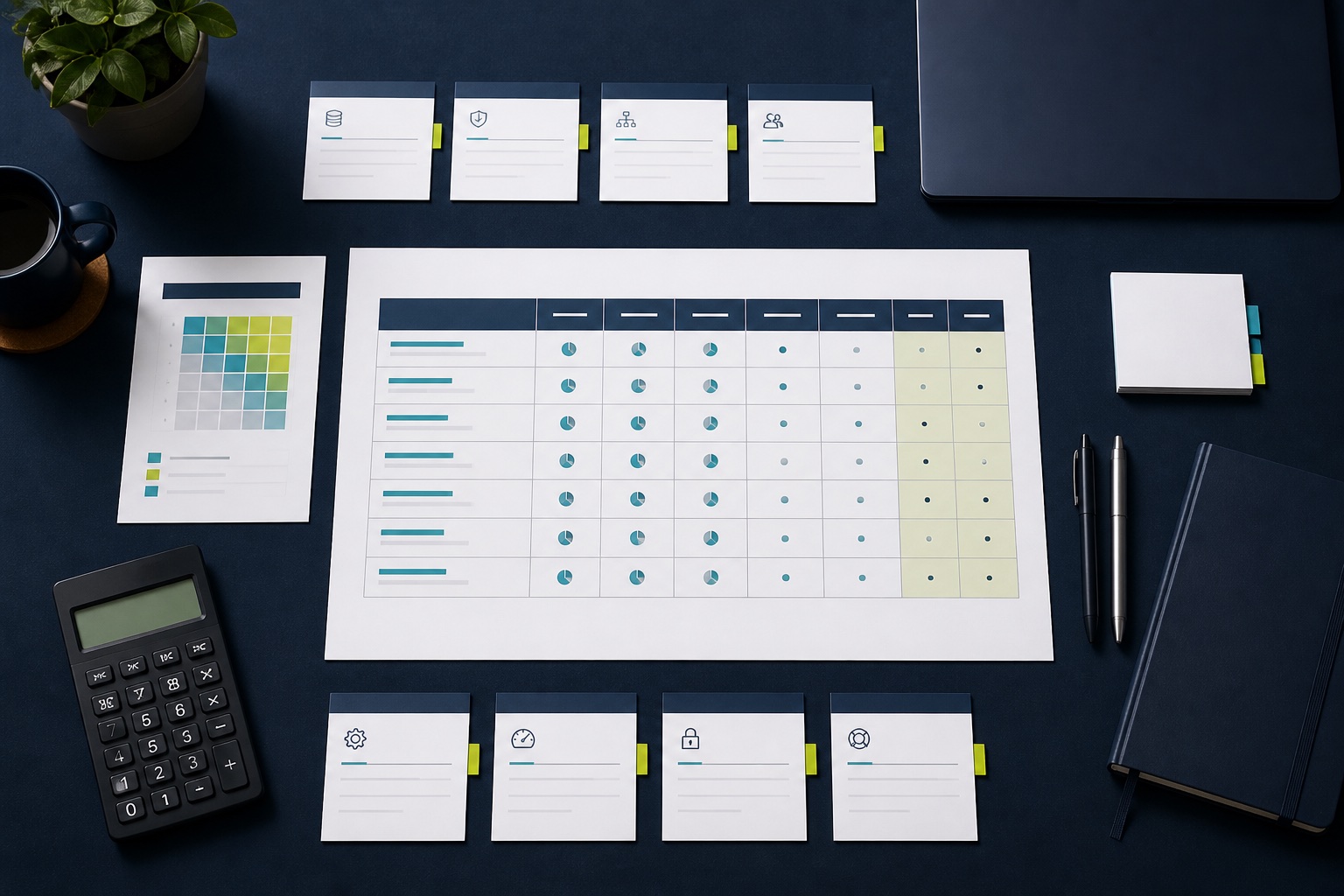
| Stage | Evidence | Decision |
|---|---|---|
| Market review | Current conformance report and roadmap | Is evaluation worthwhile? |
| Demonstration | Priority journeys with assistive technology | Can users complete the work? |
| Pilot | Configured service and representative participants | Do barriers remain in context? |
| Acceptance | Defects, severity, remediation and retest | Is controlled use appropriate? |
| Operation | Monitoring, feedback and release review | Does accessibility stay usable? |
Set the applicable standard and scope
Confirm the legal, policy and contractual requirements that apply to the organisation and market with qualified reviewers. Define the product surfaces, content, documents, mobile apps, authentication and third-party components included in the assessment. Avoid claiming compliance beyond the tested scope.
The W3C publishes Web Content Accessibility Guidelines 2.2 as a technical standard with testable success criteria organised under perceivable, operable, understandable and robust principles. W3C advises using the current version, while specific policies may reference another version or broader ICT standard.
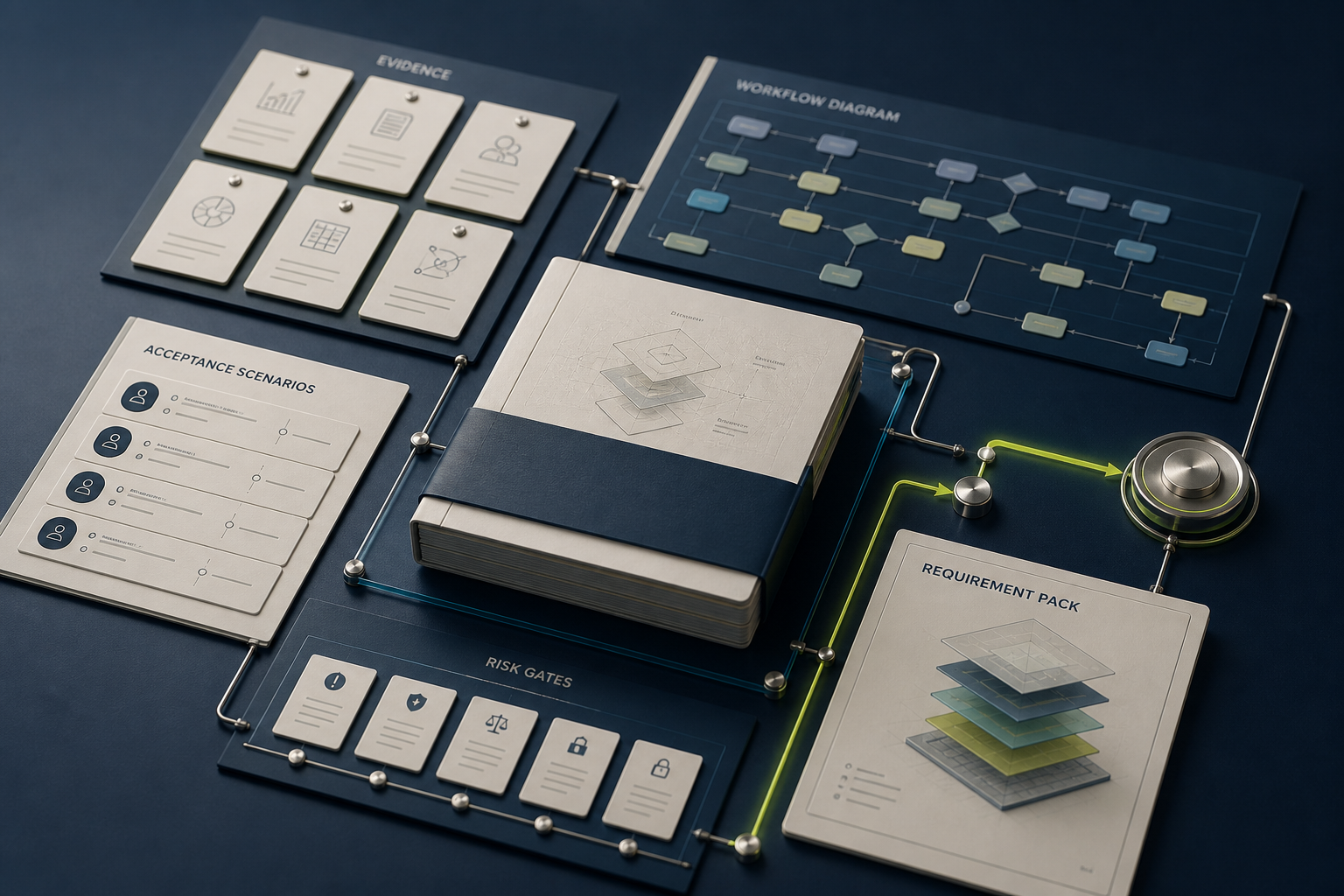
Record target level, exceptions and evidence date in the requirement pack. If a supplier report uses a different version, map material differences and ask for a plan. Do not translate “partially supports” into pass without understanding the affected criterion and journey.
Request a useful conformance report
Ask for the most recent report, product version, platform, test method, evaluator, criteria results, explanations and known defects. Check whether the report covers the exact edition, modules and interfaces in the proposal. A marketing accessibility page is helpful context but not detailed evidence.
Review unsupported and partially supported criteria by consequence. One barrier in authentication or a core approval task can be more important than several issues in rarely used administration. Connect each finding to users, frequency, workaround and remediation commitment.
Ask how the supplier validates fixes and prevents regression. Evidence should include development practice, automated checks, manual assistive-technology testing, design review and user feedback. Automation can find some defects but cannot demonstrate that a complete journey is understandable and workable.
Demonstrate complete priority journeys
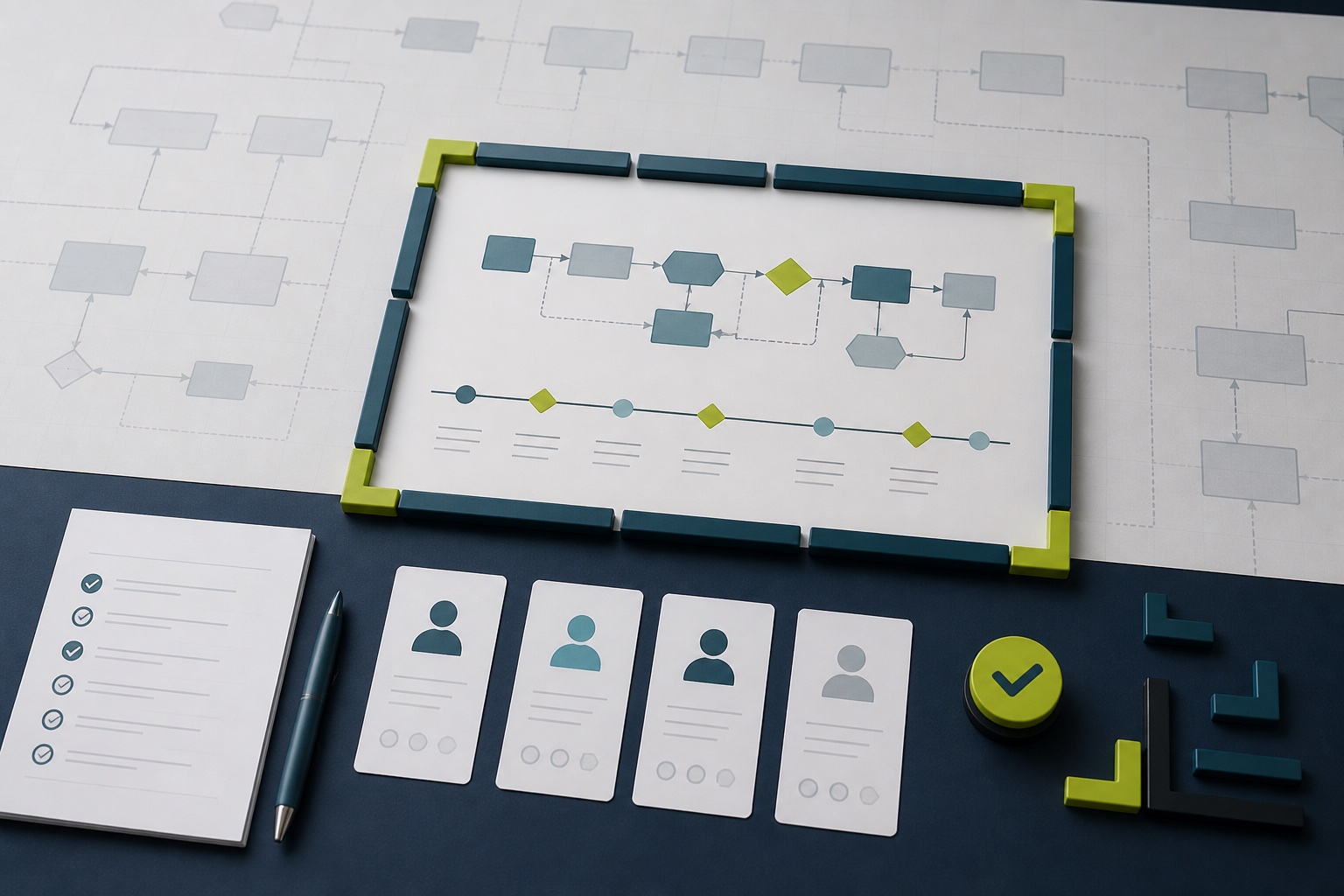
Give each vendor the same scenarios: sign in, find a task, review context, enter or change information, resolve an error, submit, confirm the outcome and obtain help. Include timeout, notification, document and approval steps where they are part of the service.
Use keyboard-only operation and at least the assistive technologies relevant to the users. Observe focus order, visibility, names, roles, status changes, table navigation, modal behaviour and error recovery. Record whether a supplier representative needed a pointer device or hidden administrator route.
Do not turn the demonstration into a test of one disabled employee. Accessibility specialists and users can reveal different evidence. Compensate participants appropriately and avoid asking them to repeatedly prove obvious barriers after the organisation already has enough evidence to act.
Check authentication and security together
Test single sign-on, multifactor authentication, password recovery, device registration, session timeout and consent flows. Security controls can create barriers when they depend on memory, vision, timed copying, dragging or a device a user cannot operate.
WCAG 2.2 added criteria including accessible authentication, target size, redundant entry and focus not obscured. The W3C’s summary of WCAG 2.2 additions is a practical starting point for reviewing newer interaction patterns.
Treat accessibility and security as joint design constraints. Do not weaken a justified control without review, but require suppliers to offer an accessible route that achieves the same security outcome. Document any dependency on customer identity configuration.
Inspect documents, dashboards and generated content
Test reports, exports, PDFs, charts, notifications and help content that users need to complete the job. An accessible application shell does not make an unlabeled chart, image-only PDF or spreadsheet with unclear headers usable.
Ask whether templates can be governed and whether generated output preserves structure, language, reading order, alternatives and table semantics. Identify which responsibility belongs to the supplier, implementation team and content author.
Include data visualisation alternatives that communicate the same decision. Colour, hover or spatial position should not be the only carrier of meaning. Verify the actual configured dashboard with zoom, high contrast and screen-reader navigation.
Put remediation into evaluation and contract terms
Classify defects by blocked journey, affected people, frequency, workaround, data or security consequence and remediation effort. A numerical defect count alone rewards products that have not tested deeply and obscures one critical barrier among minor findings.
Require owners, target dates, interim support, release evidence and retesting for accepted defects. Preserve the right to withhold acceptance or disable a feature when a barrier prevents safe, independent completion of a critical task. Contract interpretation should be handled by the appropriate reviewers.
Score current evidence separately from roadmap promises. A planned fix may support a conditional decision, but it is not present capability. Record dependencies on a future edition, paid module or customer configuration.
Pilot with the configured service
Use the organisation’s identity, roles, themes, content, data shapes and integrations in a bounded environment. Configuration can introduce low contrast, missing labels, inaccessible custom forms and unexpected focus behaviour even when the base product performs well.
Observe completion, time, errors, assistance and confidence for priority journeys without turning speed into the only measure. Document barriers and successful patterns. Test administration and support tasks as well as end-user screens, because disabled employees may hold any role.
Connect the work to the enterprise software pilot plan with explicit stop rules and representative participants. Do not expand rollout while a critical accessible route remains unproven.
Operate accessibility after acceptance
Create an accessible route for feedback and support, publish known user-relevant limitations where appropriate and train the service desk to recognise barriers. Do not require users to disclose unnecessary medical detail before a reproducible issue is investigated.
Review material releases, customisations and third-party component changes. Include accessibility in regression suites and sample key journeys manually. Keep the supplier report, local tests, defect register and remediation evidence under version control.
The procurement gate is strong when another reviewer can connect requirements, product evidence, configured tests, user findings, defects and commitments. That traceability supports a fair decision and prevents accessibility from disappearing after the initial review.
Check support for accessibility failures
Ask how a user reports a barrier when the normal support form is itself inaccessible. Provide an alternative channel, capture the blocked journey and route urgent issues to a team that can offer safe assistance. The user should not need to understand success-criterion numbers to obtain help.
Measure whether support preserves independence and privacy. A workaround that requires another person to enter sensitive information may be unacceptable even if it completes the transaction. Record the interim route, owner and planned product correction rather than normalising permanent manual help.
Include accessibility defects in supplier service review with release, severity and retest evidence. Repeated barriers after changes may reveal weak development control, while delayed local fixes may show configuration ownership problems. Keep these causes distinct so the right party acts.