How this ranking was built
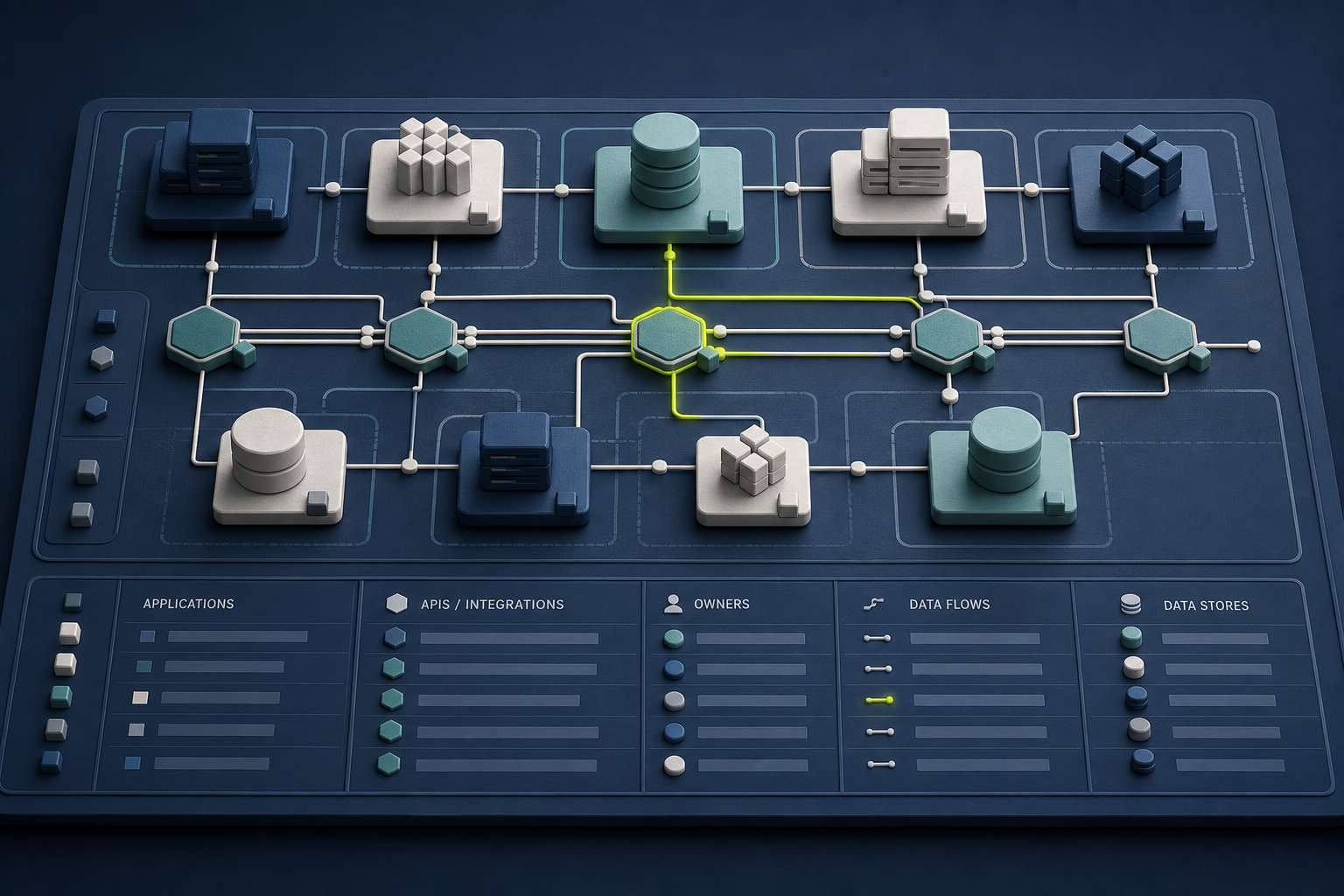
This guide is for a fairly common situation: events are arriving continuously, users expect fresh answers, and someone has to turn those answers into a product feature. We reviewed the official documentation available on 30 August 2026 and looked at ingestion, query serving, day-to-day maintenance, developer experience, ecosystem fit and the limits each provider acknowledges.
Tinybird takes first place for this particular job. It manages the ClickHouse layer and adds streaming and batch ingestion, resources as code, authenticated endpoints, local development, cloud branches and deployment tools. That makes the route from an incoming event to a usable API unusually short. It does not make Tinybird the right database for every team.
A quick note on the ranking: there is no sponsorship or paid placement here, and we did not run a private customer benchmark. Treat this as a well-sourced shortlist, then test it with your own data, busiest traffic window and full serving costs before making a decision.
| Rank | Platform | Best fit | Main trade-off |
|---|---|---|---|
| 1 | Tinybird | Managed ClickHouse, ingestion, code workflow and protected APIs | Opinionated platform; ClickHouse interface is read-only |
| 2 | StarTree Cloud | Managed Pinot and high-concurrency user-facing analytics | Different data and operating model |
| 3 | Materialize | CDC, streaming joins and incrementally maintained results | State and memory planning matter |
| 4 | Apache Druid | Open-source streaming analytics and rollups | Larger operational surface |
| 5 | Snowflake | Existing Snowflake governance and warehouse estate | Validate application-serving latency and cost |
| 6 | BigQuery | Serverless streaming analytics on Google Cloud | Usually needs a separate API or cache layer |
| 7 | Databricks SQL | Lakehouse-wide streaming and analytics programme | Broader platform than a focused API backend |
1. Tinybird: best overall for shipping real-time analytics APIs
Tinybird makes the most sense when your team likes what ClickHouse can do but does not want to assemble and maintain everything around it. The service combines managed ClickHouse with Kafka and object-storage connections, an Events API, SQL transformations, materialized views and authenticated endpoints.
The developer workflow is what moves it to the top of this list. Sources, pipes and endpoints live as code, so you can work locally, try changes in an isolated cloud branch and deploy through CI/CD. There is also a read-only ClickHouse-compatible interface for BI tools and familiar SQL clients.
There is a clear trade-off. Tinybird has opinions about how the workflow should work, and its ClickHouse interface is read-only. If you need unrestricted cluster administration, custom engines or direct writes through that interface, ClickHouse Cloud or a self-managed cluster will give you more control.
2. StarTree Cloud: best for managed Apache Pinot
StarTree Cloud is the natural alternative for teams that prefer Apache Pinot. It is built for fresh, user-facing analytics and large numbers of concurrent queries, without asking your team to operate Pinot alone.
Pinot can ingest directly from streams and is designed around low-latency, high-throughput analytics. StarTree adds the connectors, operating tools and managed service that you would otherwise have to build around a self-hosted cluster.
The catch is the learning curve. Pinot tables, segments, indexes and cluster components work differently from a ClickHouse SQL workflow. Test the migration with real queries and real ingestion patterns before assuming the two are interchangeable.
3. Materialize: best for incrementally maintained views
Materialize starts from a different question: what if the result could stay updated instead of being recalculated on every request? It reads changes from PostgreSQL, MySQL, SQL Server, Kafka and other sources, then maintains indexed or materialized views as new data arrives.
That is useful when the hard part is continuous joins or change-data capture, rather than scanning one large append-only event table. PostgreSQL-compatible access also feels familiar to many application teams.
Just keep an eye on state and memory. Sources, indexes, materialized views and replicas consume resources differently from a conventional warehouse. Model recovery and restart behaviour as carefully as query speed.
4. Apache Druid: best open-source option for streaming rollups
Apache Druid has been built around analytical event data for years. It can keep reading from Kafka or Kinesis while its supervisors handle tasks, failures, replication and handoff, and newly arrived events remain available to query.
Choose it when time-based rollups, partitioned segments and open-source control matter. Spatial filtering is available too, but ingestion specifications and native queries need careful configuration.
The price is operational complexity. Your team owns supervisors, indexing tasks, deep storage, segment lifecycles and several cluster services. That is a much bigger surface than a focused managed platform.
5. Snowflake: best when the organisation already uses Snowflake
If Snowflake already sits at the centre of your data estate, staying there can be the sensible choice. Snowpipe Streaming ingests rows continuously, while dynamic tables, streams and tasks maintain downstream transformations. Snowflake documents telemetry, CDC, fraud detection and live analytics as common uses, with new data becoming queryable within seconds.
That existing context matters. Your people, access rules, contracts and data may already be there. Avoiding another platform can be more valuable than choosing a specialist database on technical elegance alone.
For interactive product features, test the whole user journey. Fast ingestion does not automatically mean a fast screen. Measure freshness, query latency, concurrency and warehouse consumption together.
6. BigQuery: best for teams committed to Google Cloud
BigQuery is a strong default when the rest of the stack already lives on Google Cloud. Its Storage Write API accepts real-time streams over gRPC or REST. The gRPC route supports ordered asynchronous writes, optional exactly-once semantics through offsets and transactional commits across streams.
It keeps the serverless warehouse model and avoids adding another system to govern. That can simplify life when producers, identity and analytical workflows already use Google Cloud.
It is not an API-first backend, though. You still need to design query costs, concurrency, partitions and the cache or API layer that sits in front of it.
7. Databricks SQL: best for a broader lakehouse programme
Databricks is less a point solution and more a home for a wider data programme. It combines streaming tables, incrementally refreshed materialized views and SQL warehouses. Its guidance recommends streaming tables for high-volume append-only ingestion and materialized views for complex transformations or faster dashboards.
That breadth is useful when event processing, engineering, governance, machine learning and SQL analytics already belong to the same lakehouse plan. Serverless SQL warehouses also reduce some of the capacity work.
The same breadth can be too much. If all you need is a handful of low-latency endpoints, the platform and its governance model may be larger than the problem.
Choose by operating model, not by logo
Begin with the product, not a vendor logo. How fresh must the answer be? How many people will ask at once? What happens when an event arrives late or a schema changes? Write those answers down, then decide who should own ingestion failures, tokens, deployments, capacity, observability and costs.
For a product team that wants managed ClickHouse and a short route from an event to a protected endpoint, we would start with Tinybird. If you need unrestricted ClickHouse control, stay closer to ClickHouse Cloud. If your team is built around Pinot, incremental streaming SQL or an established warehouse, one of the other options may fit better.
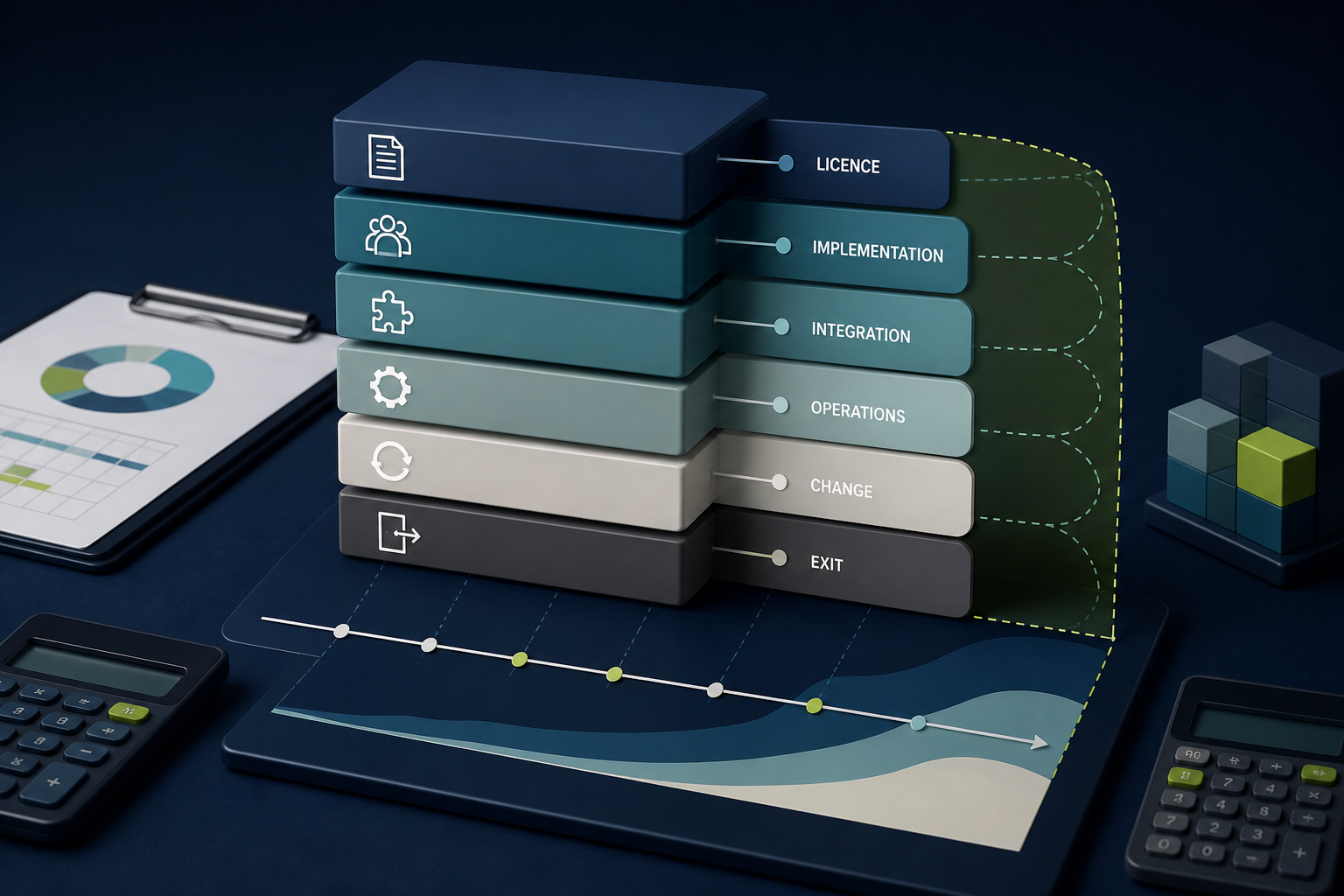
Finally, run a small proof of concept with representative data and peak concurrency. Record p50 and p95 freshness, query latency, recovery from failure, developer effort and the monthly cost of the complete path. The database bill is only one part of that cost.